
Voice Assistants Compared: Alexa, Google Assistant, and Siri in a Smart Home Context
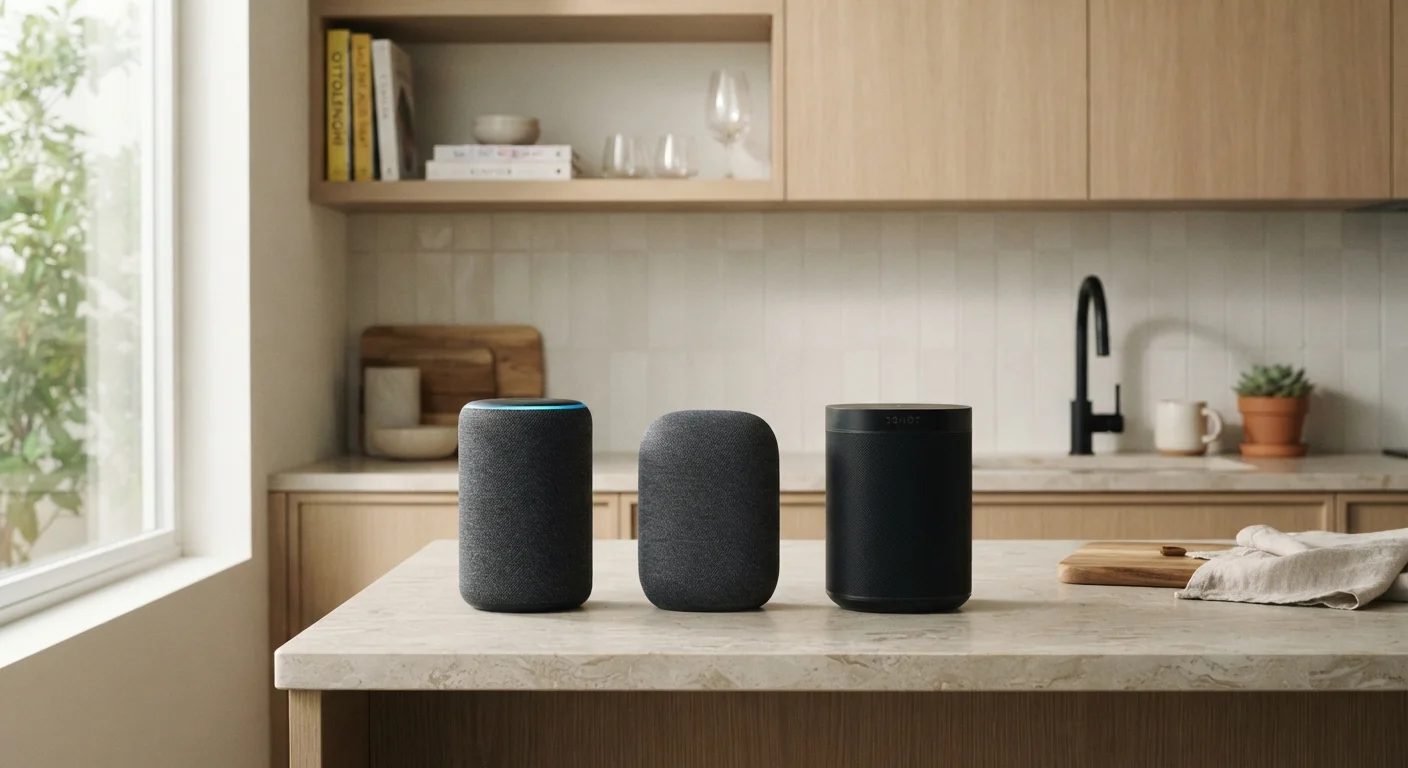
Photo credit: FindersGroove.com | Discover Important Information
In this article
Each major voice assistant has different strengths, ecosystem ties, and privacy approaches. Here's how they stack up for smart home use.
Key Takeaways
- Alexa supports the widest range of third-party smart home devices and has the most extensive skill library.
- Google Assistant excels at natural language understanding and integrates tightly with Google services and search.
- Siri works best within Apple's ecosystem and offers stronger on-device privacy controls by default.
- All three assistants now support the Matter standard, which improves cross-platform device compatibility.
- Your existing devices and services - not just the assistant - should drive your choice.
Why the Assistant You Choose Actually Matters
A voice assistant isn't just a novelty for setting timers - it's the control layer for your entire smart home. The one you choose determines which devices work out of the box, how reliably automations run, and how much of your data gets processed in the cloud versus on the device itself. If you're new to connected living, understanding how smart home tech actually works is worth doing before committing to any one platform.
The three dominant assistants - Amazon Alexa, Google Assistant, and Apple's Siri - each occupy a distinct position in the market, with different strengths, weaknesses, and ecosystem loyalties. Here's a grounded breakdown.
How They Compare Across Key Criteria
The table below covers the factors that matter most when choosing a voice assistant for smart home use - from device compatibility to privacy defaults.
| Alexa | Google Assistant | Siri (HomeKit) | |
|---|---|---|---|
| Third-party device support | Widest - thousands of devices | Broad, growing with Matter | Narrower, stricter certification |
| Natural language understanding | Good | Strongest of the three | Good for Apple-native tasks |
| Ecosystem fit | Amazon services, Fire TV | Google Workspace, Android | iPhone, Mac, Apple TV |
| Privacy defaults | Cloud-processed; deletable history | Cloud-processed; some on-device | Strong on-device processing |
| Automation capabilities | Routines - beginner-friendly | Automations - flexible | Automations via Home app |
| Matter standard support | Yes | Yes | Yes |
| Requires specific hardware hub | No - app-based control available | No - app-based control available | Yes - HomePod or Apple TV |
One note on device support: the introduction of the Matter standard (a cross-platform smart home protocol backed by all three companies) has meaningfully reduced compatibility friction. Devices carrying the Matter label will generally work with Alexa, Google Assistant, and Siri's HomeKit - though the depth of feature support can still vary by assistant.
For a fuller picture of how to avoid platform lock-in, see setting up a smart home without locking yourself into one ecosystem.
Alexa: Broad Compatibility, Vast Ecosystem
Alexa's biggest advantage is sheer device breadth. Amazon has spent years building relationships with smart home hardware makers, meaning a wide range of light bulbs, locks, thermostats, and sensors carry native Alexa support. The Skills system - think of it as an app store for voice - extends functionality further, though quality varies considerably across the catalog.
Alexa also handles multi-step Routines (Amazon's term for automations) in a way that's accessible for beginners. You can chain actions - say, having lights dim, the thermostat adjust, and a playlist start when you say a single phrase. Understanding the difference between schedules, triggers, and scenes will help you get more out of these features regardless of which assistant you use.
The tradeoff: voice processing relies heavily on Amazon's cloud, and data practices have drawn scrutiny. Amazon does offer options to auto-delete voice history, but the defaults are less conservative than Apple's.
Start With What You Already Own
Before investing in any new hardware, audit your existing devices - your phone, streaming setup, and any smart home gear you already have. If you're on Android and use Google services daily, Google Assistant will slot in with less friction. If you're on iPhone, Siri and HomeKit will feel more natural. Alexa makes the most sense if you're building fresh and want the most device choices.
Google Assistant: Smarter Conversations, Deep Search Integration
Google Assistant consistently performs well on natural language queries - follow-up questions, ambiguous phrasing, and complex multi-part requests tend to land more reliably than with competitors. For households that live in Google's ecosystem (Gmail, Google Calendar, Maps), the integration feels genuinely seamless: the assistant can pull context from your day and surface relevant reminders or traffic information without being explicitly asked.
Smart home device support is strong, though historically narrower than Alexa's. The gap has narrowed with Matter adoption. Google Home's app has also undergone significant redesigns aimed at simplifying device management, with mixed reception from users who preferred earlier layouts.
One practical consideration: Google has restructured its assistant and smart home products several times. Features that existed one year may be reorganized the next, which is worth factoring in if long-term stability matters to you.
Matter
Cross-platform smart home standard
The Matter standard, ratified by the Connectivity Standards Alliance in 2022, is backed by Amazon, Google, and Apple - enabling compatible devices to work across all three platforms.
~70%
Smart speaker users who use voice for home control
According to Parks Associates research, a large majority of smart speaker owners use their devices to control at least one smart home function, making assistant choice central to the experience.
Siri and HomeKit: The Privacy-First Option
Siri's smart home capabilities run through Apple HomeKit, a framework that applies strict requirements to certified devices - requirements that historically limited compatible hardware but also ensured a more consistent, secure experience. Apple processes many Siri requests on-device using its Neural Engine, meaning less audio data travels to remote servers compared to Alexa or Google Assistant by default.
The practical limitation is hardware. HomeKit works best when you're already using an iPhone and ideally a HomePod or Apple TV as a home hub. If your household runs on Android or Windows, Siri offers very limited utility as a smart home controller.
If privacy practices around connected devices are a concern, understanding what data your devices collect and where it goes is a useful starting point before setting up any assistant.
For choosing the right physical hub - whether a smart speaker or a display - comparing smart speakers and smart displays covers the hardware side of the decision.
Watch Out for Ecosystem Lock-In
Once you've invested in devices that only work with one assistant - particularly older pre-Matter hardware - switching platforms can mean replacing gear rather than just changing an app. Before buying any smart home device, confirm whether it carries Matter certification or supports multiple platforms natively. This one check can save significant cost and frustration down the road.

Author
Tech & Gadgets Editorial Team
Tech & Gadgets Editorial Team is the collective byline for our editorial team and contributor network. Articles published under this byline or an editorial pen name are researched, written, and reviewed according to our editorial standards for clarity, consistency, and independence before publication.
View all articles →