
Before You Buy a Smart Display: Questions Worth Asking
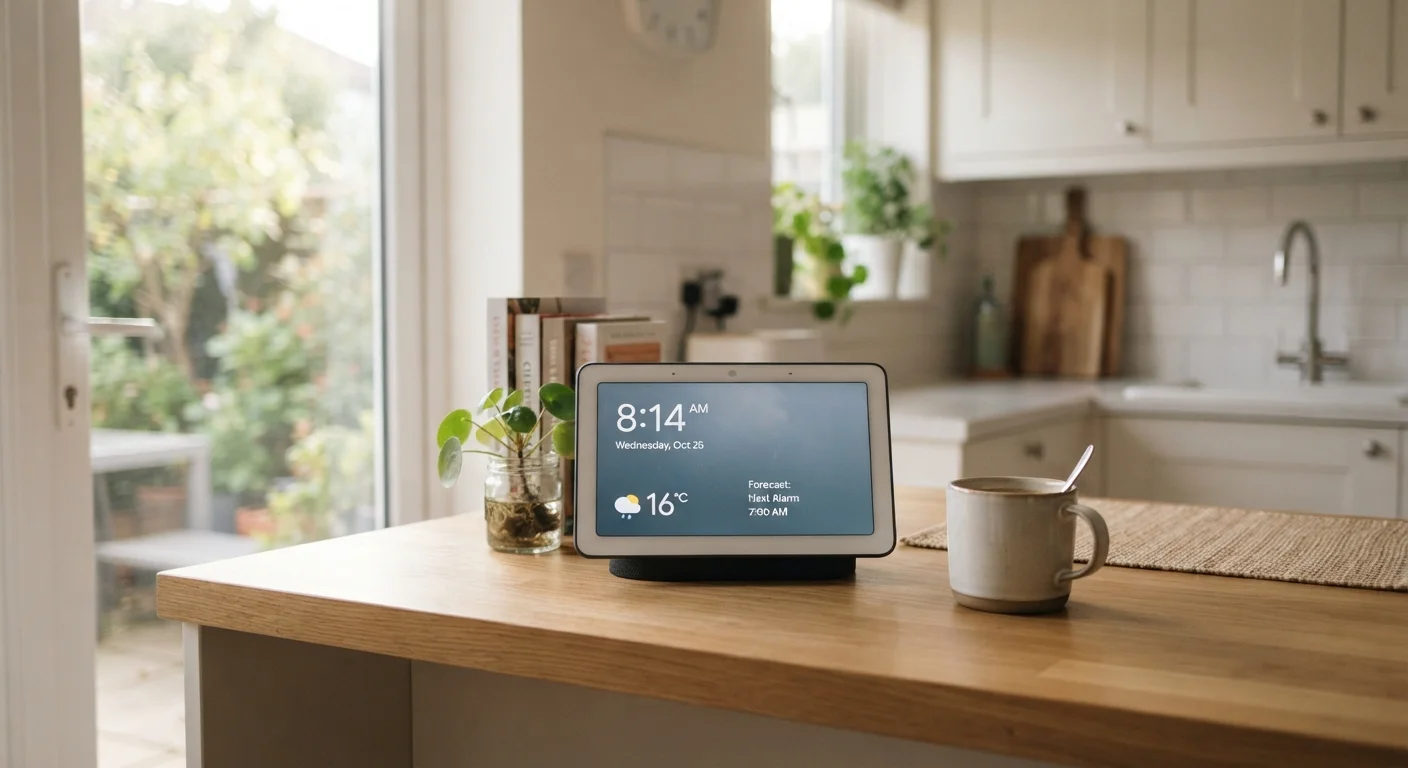
Photo credit: FindersGroove.com | Discover Important Information
In this article
Smart displays promise a lot. This checklist covers privacy, compatibility, use-case fit, and setup realities before you bring one home.
Key Takeaways
- Smart displays vary widely in privacy controls - camera and microphone access deserve careful scrutiny before purchase.
- Ecosystem compatibility can make or break daily usefulness; check your existing devices first.
- A clear use-case picture prevents buyer's remorse more reliably than specs alone.
- Setup complexity and ongoing software support are often overlooked but matter long-term.
- A tablet or phone may already cover what you think a smart display will solve.
Why This Checklist Exists
Smart displays are one of the more marketed gadget categories of the past few years - voice assistants with screens, framed as the hub of a modern home. The pitch is compelling: video calls, recipe walkthroughs, smart home controls, music, and ambient information all in one always-on device. The reality is more nuanced.
Whether a smart display genuinely improves your day-to-day life depends on a handful of specific variables most ads gloss over. Privacy trade-offs, ecosystem lock-in, physical placement, and the honest question of whether you already own a device that does the same job - these are the things worth thinking through before you spend money.
This checklist is structured around four areas: privacy and data, ecosystem fit, real-world use cases, and setup realities. Work through each section before committing. If you want a broader decision framework for non-essential purchases, the pre-purchase checklist is a solid companion read.
Privacy and Data
Ecosystem Compatibility
Real-World Use Case Fit
Setup and Long-Term Realities
What You'll Need Before You Start
This checklist doesn't require any tools beyond an honest accounting of your current setup. Before you begin, it helps to have a rough sense of which smart home platform - if any - you already use, what devices are on your home Wi-Fi, and where you'd physically place a display. Five minutes of mental inventory now saves you from a return process later.
Your home Wi-Fi router's admin panel
Check signal strength at your intended placement location and review which devices are already connected.
Your smart home app (if applicable)
Inventory existing connected devices to verify compatibility with the display's assistant platform.
Manufacturer's privacy and data policy page
Review data retention, third-party sharing, and deletion options before committing to a purchase.
A tape measure
Measure the physical space and viewing distance to confirm the display size you're considering will actually be readable in context.
Also worth considering: if screen time and device accumulation are already a tension point in your life, a digital wellness self-check can help frame whether adding another always-on screen actually serves your goals.
Ecosystem Lock-In Is Real
Smart displays are deeply tied to a single platform ecosystem - switching later often means replacing compatible accessories, re-learning routines, and losing automation history. If you're not already invested in a particular assistant platform, take extra time with the compatibility section of this checklist. Choosing based on a single feature or price point without considering ecosystem fit is one of the most common sources of post-purchase regret in this category.
After the Checklist: Honest Alternatives
If you worked through the checklist and still feel uncertain, that uncertainty is data. Smart displays are purpose-specific devices, and the most common post-purchase regret is discovering that a tablet already propped on a stand does everything you wanted - often with more flexibility. See how to get more from a tablet you already own before adding to your device count.
If your primary driver is media consumption rather than home control, streaming device trade-offs may point you toward a simpler, lower-cost path. And if reading is the main use case, e-readers have genuine advantages a smart display simply can't replicate.
The Smart Home Basics hub is the right next stop if you decide a smart display does fit - it covers setup, interoperability, and realistic expectations for building out a connected home without overcomplicating it.
This article is for informational and educational purposes only. It does not constitute financial, purchasing, or professional advice. Individual needs and circumstances vary; consider your own situation carefully before making any purchase decision.

Author
Tech & Gadgets Editorial Team
Tech & Gadgets Editorial Team is the collective byline for our editorial team and contributor network. Articles published under this byline or an editorial pen name are researched, written, and reviewed according to our editorial standards for clarity, consistency, and independence before publication.
View all articles →