
Streaming Sticks, Set-Top Boxes, and Smart TVs: Choosing the Right Setup
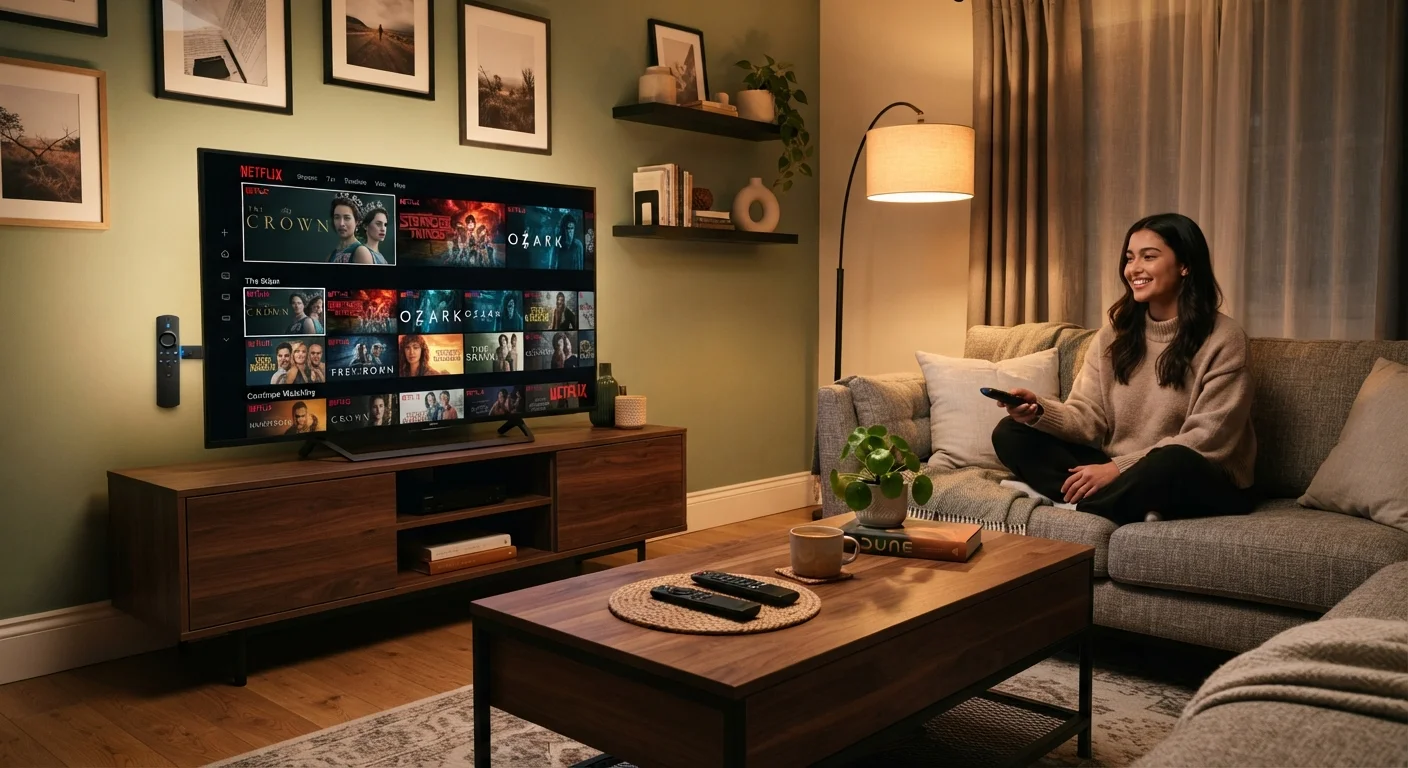
Photo credit: FindersGroove.com | Discover Important Information
In this article
Each approach to streaming has genuine trade-offs around performance, software updates, and longevity. Here's how to think through the decision.
Key Takeaways
- Streaming sticks are portable and affordable but depend on your TV's USB port for power and have limited processing headroom.
- Set-top boxes offer stronger performance and more reliable long-term software support than sticks or built-in smart TV platforms.
- Smart TV platforms are convenient but often receive software updates for only a few years after purchase.
- Your existing TV, internet reliability, and how many services you juggle should drive the hardware decision.
- Ecosystem lock-in is a real consideration - switching platforms later can mean losing saved content and preferences.
The Core Difference: What You're Actually Buying
All three options do the same basic job - pulling streaming video from the internet and displaying it on your screen. The differences show up in how they're powered, how long they stay useful, and how much control you have over the software experience.
A streaming stick is a small dongle that plugs directly into your TV's HDMI port. It typically draws power from a USB port and runs its own operating system independently of the TV itself. A set-top box sits next to your TV, connects via HDMI, and plugs into a wall outlet - giving it access to more power and, usually, more capable hardware. A smart TV's built-in platform is the operating system baked into the television itself; no extra hardware required.
Each path has a different relationship with updates, performance headroom, and ecosystem flexibility - and those differences compound over time.
Streaming Sticks: Portability With Performance Caveats
Sticks are the most portable and typically the least expensive hardware option. You can move one between hotel TVs, a second monitor, or a friend's display without much hassle. For anyone upgrading a perfectly functional non-smart TV, a stick is a reasonable entry point.
The trade-off is processing power. Most sticks have modest chips that handle standard streaming well but can stutter when navigating complex menus, loading 4K HDR content, or running multiple apps simultaneously. Heat is also a factor - sticks packed tightly into an HDMI port with limited airflow can throttle performance during long sessions.
Software update timelines vary by manufacturer, but sticks generally receive OS updates for a shorter window than dedicated boxes. Once a stick falls off the support list, you may find apps stop working before the hardware itself fails.
Check the USB Power Rating Before You Buy
Some TVs supply only 500mA through their USB ports - barely enough to power a streaming stick under load. Many sticks recommend 1A or higher and ship with a wall adapter for exactly this reason. Using the wall adapter rather than the TV's USB port typically results in more stable performance and fewer thermal issues during extended viewing sessions.
Set-Top Boxes: The Case for Dedicated Hardware
Set-top boxes carry more capable processors, more RAM, and often better Wi-Fi radios than their stick counterparts. The practical result is faster app loading, smoother 4K navigation, and less likelihood of the device becoming the bottleneck in your setup. Wall power means no throttling from heat, and the separate form factor allows for better thermal management.
From a longevity standpoint, boxes tend to receive software support for longer - partly because manufacturers position them as premium products and partly because the hardware has more headroom to run future software versions. That said, no streaming device lasts forever; most manufacturers are transparent about support windows if you look for that information before purchasing.
The cost is higher upfront, and you're adding another device to your entertainment center. But for anyone who's replaced a cheap stick every two years, the math often evens out. See our guide to smart home spending priorities for a broader framework on where hardware investment pays off.
| Streaming Stick | Set-Top Box | Smart TV Built-in | |
|---|---|---|---|
| Upfront cost | Low | Medium to high | Included with TV |
| Processing performance | Modest | Strong | Varies by model |
| Software support window | 2-3 years typical | 3-5+ years typical | 3-5 years typical |
| Portability | High | Low | None |
| Setup complexity | Minimal | Minimal | None (built-in) |
| Heat management | Limited, can throttle | Good, external venting | Managed by TV chassis |
| Platform flexibility | High - swap easily | High - swap easily | Low - tied to TV brand |
Smart TV Platforms: Convenient Until They're Not
The appeal is obvious - one fewer device, one fewer remote, and no HDMI port occupied. For casual users who watch Netflix and one or two other services, a smart TV's built-in platform is genuinely sufficient for years.
The problem is the update window. TV manufacturers typically support a platform for three to five years after a model's release. After that, apps may stop receiving updates or drop off entirely, even though the display panel itself could function for another decade. You end up with a perfectly good screen running an increasingly outdated software environment.
There's also less consistency across brands. Each manufacturer runs a different OS with different app libraries, different UI responsiveness, and different approaches to data collection and advertising within the interface. Understanding what data a smart TV platform collects - and how to limit it - is worth researching before setup. For thinking more broadly about platform fragmentation and keeping your options open, this guide on avoiding ecosystem lock-in is a useful companion read.
~5 years
Typical smart TV software support window
Industry patterns suggest most smart TV platforms receive active app and OS updates for roughly three to five years post-launch, after which app availability begins to decline.
85%+
U.S. households with at least one streaming subscription
According to Nielsen's 2023 State of Play report, the vast majority of American households subscribe to at least one streaming video service.
How to Actually Choose
Start with your current TV. If it has no smart features and you're satisfied with the display, a stick or box will extend its life without replacement. If it already has a smart platform you find adequate, adding external hardware may be redundant.
Consider your internet setup. Sticks with weaker Wi-Fi radios can struggle on congested networks or at longer distances from the router; boxes with better antenna configurations handle those conditions more reliably. If you're running ethernet to your entertainment center, either format benefits equally.
Think about how many services you use and how often you switch between them. Heavier users - those juggling five or more apps regularly - will notice responsiveness differences sooner. Light users on one or two services are unlikely to hit the limits of any modern stick.
Finally, think beyond the purchase. A device that loses software support in two years isn't actually a budget decision - it's a deferred cost. Thinking about technology as a long-term relationship, not just a purchase, tends to lead to better outcomes over time.

Author
Tech & Gadgets Editorial Team
Tech & Gadgets Editorial Team is the collective byline for our editorial team and contributor network. Articles published under this byline or an editorial pen name are researched, written, and reviewed according to our editorial standards for clarity, consistency, and independence before publication.
View all articles →