
Setting Up a Smart Home Without Locking Yourself Into One Ecosystem
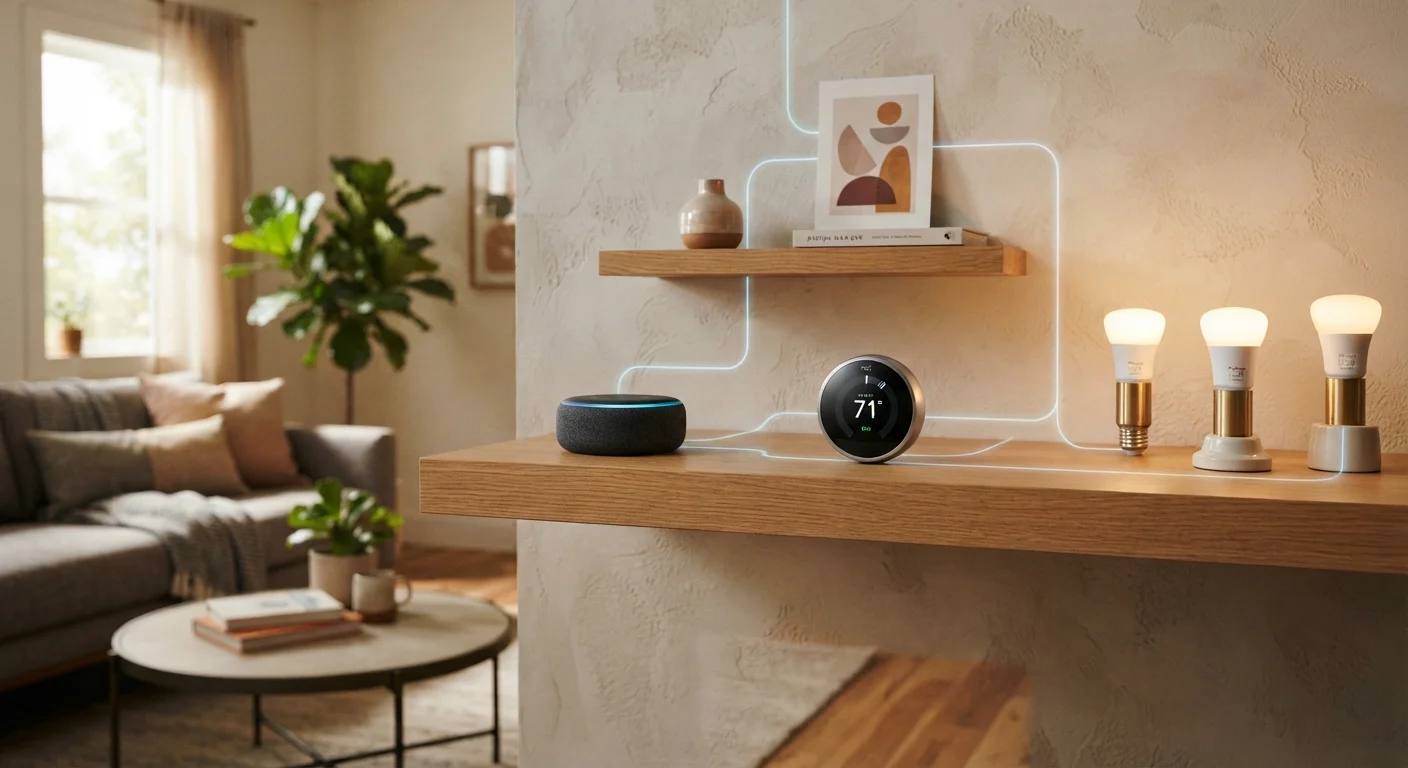
Photo credit: FindersGroove.com | Discover Important Information
In this article
Platform fragmentation is a real risk. This guide walks through interoperability standards and strategies that keep your options open.
Key Takeaways
- Matter is an open interoperability standard that lets devices from different brands work together reliably.
- Choosing a hub that supports multiple protocols protects you from being locked into one ecosystem.
- Local control devices function without internet dependency, improving reliability and privacy.
- Audit each device's protocol support before purchasing to ensure long-term flexibility.
- Voice assistants can coexist in a multi-ecosystem setup - you don't have to pick just one.
Why Ecosystem Lock-In Matters More Than You Think
The appeal of a single-ecosystem smart home is obvious: everything works together seamlessly, the app is consistent, and setup is simple. The risk is equally real: if that platform changes its pricing model, discontinues a product line, or shuts down entirely, you may find yourself with hardware that no longer functions as advertised. This has happened repeatedly across the smart home industry, leaving early adopters with expensive devices and no viable migration path.
The solution isn't to avoid smart home technology - it's to build around open standards from the start. Protocols like Matter, Zigbee, and Z-Wave are not owned by any single company. Devices built on these standards can be managed by any compatible controller, giving you genuine flexibility to switch platforms without replacing hardware. For a foundational overview of how these connectivity layers work, see our smart home technology explainer.
Ecosystem Lock-In Is a Real Financial Risk
When a smart home platform discontinues support or a company shuts down, devices tied exclusively to that cloud can become non-functional. Before purchasing, confirm whether a device supports an open standard like Matter or Zigbee, or can be controlled locally without a proprietary cloud. This isn't paranoia - several major smart home platforms have been discontinued in recent years, leaving users with hardware they couldn't repurpose.
If you're renting rather than owning, the question of what you can actually install adds another layer of consideration - our guide on smart home tech for renters covers the realistic limits.
Tools and Setup Requirements
Before following the steps below, gather what you need and confirm your starting conditions.
What you will need
Multi-protocol smart home hub
Serves as the central controller that communicates with devices across different protocols (Matter, Zigbee, Z-Wave, Wi-Fi).
Mesh Wi-Fi router or Wi-Fi extender
Ensures reliable wireless coverage throughout the home, reducing device drop-off issues.
Matter-certified smart devices
Devices carrying the Matter certification can be added to any compatible controller, preventing single-ecosystem lock-in.
Zigbee or Z-Wave coordinator (if not built into hub)
Enables communication with Zigbee or Z-Wave devices that don't rely on Wi-Fi or a proprietary cloud.
Start With the Hub, Not the Devices
Choosing your hub or controller first - rather than accumulating devices and retrofitting a hub around them - dramatically simplifies long-term flexibility. A hub that natively supports Matter, Zigbee, and Z-Wave gives you the widest device compatibility from day one. Think of it as picking the foundation before furnishing the house.
Step-by-Step: Building an Open Smart Home
The following steps apply whether you're starting from scratch or reorganizing an existing setup. Work through them in order - the early steps lay the groundwork that makes later ones effective.
Understand the protocols at play
Smart home devices communicate using several different protocols: Wi-Fi, Zigbee, Z-Wave, and the newer Matter standard. Each has trade-offs around range, power consumption, and ecosystem dependence. Matter - developed collaboratively by major tech companies - is currently the most promising open standard for cross-brand interoperability. Before buying anything, read up on what Matter certification actually means so you know what to realistically expect from it.
Choose a hub that speaks multiple protocols
A multi-protocol hub - one that handles Matter, Zigbee, and ideally Z-Wave - is the cornerstone of an open smart home. This single device becomes your local controller, reducing dependence on any one company's cloud. Look for hubs that explicitly support local processing, meaning automations continue running even when your internet goes down. This matters more than most buyers initially realize - cloud-dependent devices can fail during outages or become permanently disabled if a vendor discontinues their service.
Audit devices for open standard support before buying
For each device you're considering, confirm two things: (1) Does it carry Matter certification, or support an open protocol like Zigbee or Z-Wave? (2) Can it be controlled locally, without requiring the manufacturer's app or cloud? Local control vs. cloud control is a real trade-off with privacy and reliability implications worth understanding before you commit. Devices that require a proprietary app and cloud backend are higher-risk long-term investments.
Set up your hub and establish local automations
Once your hub is installed, configure automations locally where possible rather than relying on cloud-based routines through a voice assistant platform. Most capable hubs have their own automation builder. Local automations execute faster, work offline, and aren't subject to third-party policy changes. Add your Matter and Zigbee devices to the hub first, then optionally expose them to voice assistants as a secondary interface layer - not the primary control layer.
Layer in voice assistants without depending on them
Voice assistants from different companies can coexist in a well-structured smart home. Because Matter devices can be added to multiple controllers simultaneously, you can expose the same light or thermostat to both Amazon Alexa and Apple Home without conflict. Review how voice assistants compare in a smart home context to understand which assistant handles which automations best. Treat voice control as a convenience layer - your automations should function without it.
Secure your network as a final step
An open, interoperable smart home is only as trustworthy as the network it runs on. Isolate smart devices on a separate Wi-Fi network or VLAN (virtual local area network) from your primary devices - this limits exposure if any device is compromised. Follow the practical steps outlined in our guide on keeping your smart home network secure. Change default device passwords, keep firmware updated, and periodically audit which devices are connected.
"Works With" Badges Don't Guarantee Deep Integration
A device labeled as compatible with a given voice assistant or hub may only support basic on/off control, not advanced automations or energy monitoring. Always check the specific feature set supported across each platform before assuming full interoperability. Marketing language on packaging is not the same as protocol-level compatibility.
Maintaining Flexibility as Your Setup Grows
An interoperable smart home isn't a one-time configuration - it's an ongoing practice. As you add devices, keep a simple record of each device's protocol, hub assignment, and firmware version. This makes troubleshooting faster and migrations easier if you ever need to change controllers.
Budget-conscious buyers should also recognize that open-standard devices don't have to cost more. Our guide on building a smart home on a tight budget identifies where to prioritize spending and where cheaper options hold up fine. If you want a broader room-by-room strategy, the room-by-room setup roadmap complements the approach laid out here.
The goal is a home that works for you - not one that works only while a particular company decides to keep its servers running.

Author
Tech & Gadgets Editorial Team
Tech & Gadgets Editorial Team is the collective byline for our editorial team and contributor network. Articles published under this byline or an editorial pen name are researched, written, and reviewed according to our editorial standards for clarity, consistency, and independence before publication.
View all articles →