
Renting and Smart Home Tech: What You Can and Cannot Do in a Leased Space
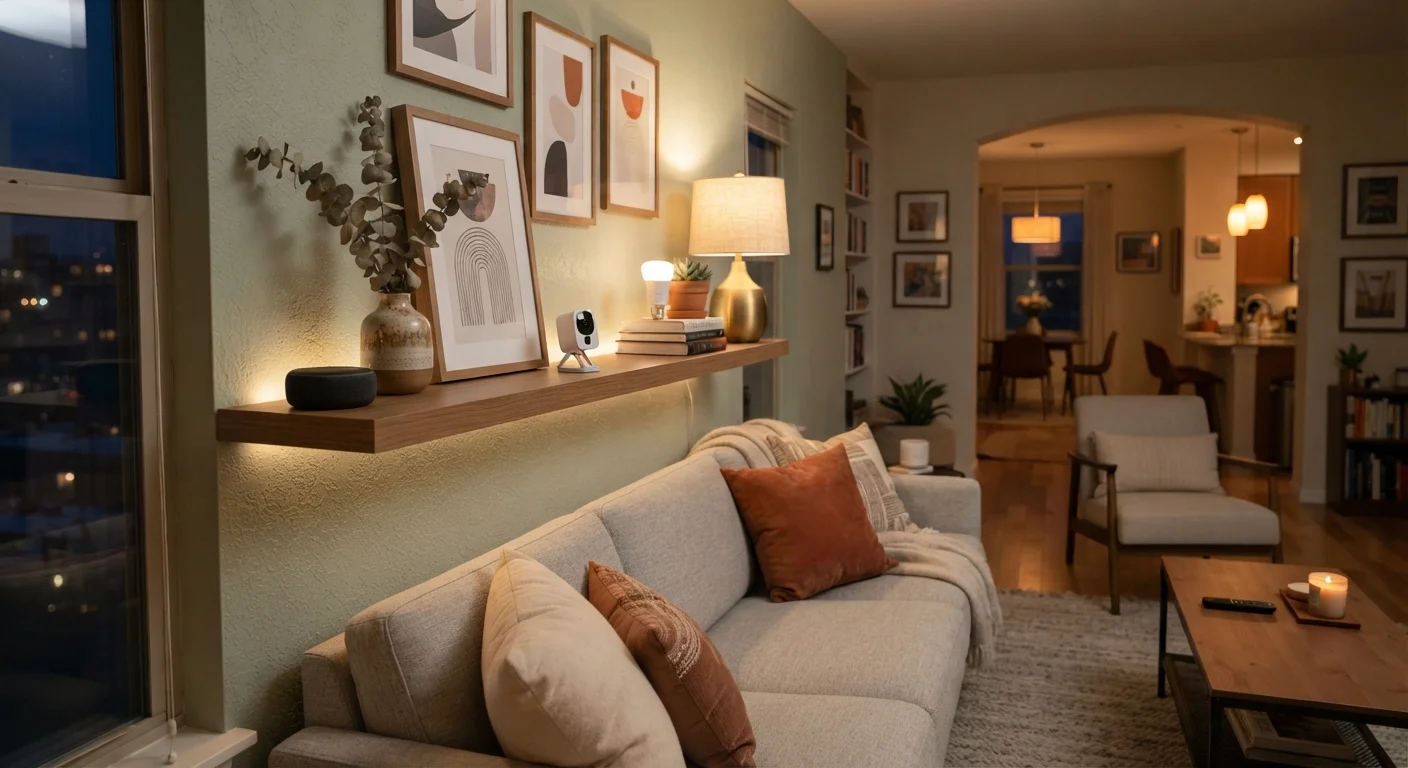
Photo credit: FindersGroove.com | Discover Important Information
In this article
Renters face real limits on installation and hardware changes. Here's a clear-eyed guide to which smart devices work in leased homes — and which don't.
Key Takeaways
- Most plug-in and battery-powered smart devices are renter-safe and require no landlord approval.
- Hardwired installations - smart switches, doorbells, thermostats - often require explicit permission or a licensed electrician.
- Always read your lease carefully; 'no alterations' clauses can be broader than they appear.
- Reversible upgrades, like smart bulb adapters and plug-in outlets, are the safest starting point for renters.
- Document any landlord-approved changes with written confirmation before installing anything permanent.
- When you move out, restoring original hardware protects your security deposit.
The Renter's Smart Home Dilemma
Smart home technology has never been more accessible - but for the roughly 36% of U.S. households that rent, the path to a connected living space runs through a lease agreement first. That document determines far more than you might expect, and the consequences of getting it wrong - lost security deposits, lease violations, or mandatory removal costs - are real.
The good news: a meaningful smart home setup is achievable in most rental situations. The key is understanding exactly where the line sits between renter-safe devices and installation-dependent ones. If you're new to connected devices altogether, the Smart Home Technology Explained guide is a useful starting point before diving into the specifics below.
Check Your Lease Before You Buy
Before purchasing any smart home device, scan your lease for terms like 'no alterations,' 'no modifications,' or 'written consent required.' These phrases can apply to surprisingly minor changes. If the language is ambiguous, a quick email to your landlord asking for clarification - and keeping the reply - takes minutes and can prevent costly disputes later.
7 Smart Home Realities Every Renter Should Know
Smart plugs and bulbs are your lowest-risk entry point
Smart plugs and smart bulbs require zero installation - they screw in or plug in like their conventional counterparts. These devices are almost universally lease-safe and give you immediate control over lighting schedules, energy monitoring, and basic automation. Because they leave no trace when removed, they're the ideal first step for renters who want to test smart home living without any risk to their deposit.
Smart plugs and bulbs leave no trace - the ultimate renter-safe starting devices.
Smart thermostats usually require landlord permission
A smart thermostat replaces the existing unit - which means removing existing wiring and connecting new hardware. In most leases, that qualifies as an alteration. Even if your landlord is open to the idea (some appreciate the energy savings), you'll need written consent before swapping it out. And when you leave, you're typically expected to reinstall the original unit. Keep the original thermostat in a safe place from day one if you go this route.
Always get written landlord consent before swapping out a thermostat - and keep the original.
Smart switches involve electrical work - treat them seriously
In-wall smart light switches require disconnecting and reconnecting wiring inside the wall box. This is both an electrical safety issue and a lease issue. Many jurisdictions require licensed electricians for this work; doing it yourself without proper qualifications can void renters insurance coverage and create liability. If you want smart lighting control without touching wiring, look for smart bulb-based systems or plug-in lamp dimmers instead.
In-wall smart switches involve real electrical work - not a renter DIY project.
Video doorbells vary widely in how renter-friendly they are
Battery-powered, adhesive-mounted video doorbells are genuinely renter-compatible - no wiring, minimal wall contact. Hardwired models that tap into your existing doorbell wiring are a different story: they require electrical access and typically landlord approval. Also consider that any doorbell device installed in a shared building entryway may raise privacy questions for neighbors and could conflict with building rules - check both your lease and any building-wide policies.
Battery-powered video doorbells are renter-safe; hardwired models need landlord sign-off.
Smart locks sit in a legal and practical grey zone
Replacing a deadbolt - even temporarily - is something most leases explicitly prohibit without landlord permission. Beyond the lease issue, some landlords are contractually or legally required to maintain access to the unit, making unauthorized lock changes a serious concern. That said, some smart locks are designed to attach over existing deadbolts without replacing the lock cylinder. These adapter-style devices are worth exploring, but confirm compatibility with your specific lock hardware and get any landlord approval in writing before proceeding.
Replacing a deadbolt without permission can breach your lease - adapter locks are a workaround worth investigating.
Wireless security cameras are generally fine; hardwired systems are not
Battery or plug-in wireless cameras require no installation beyond positioning - typically safe for renters. What matters more is placement: cameras should only capture your own leased space, never shared hallways, neighboring units, or public areas where privacy expectations exist. Running cable through walls or mounting brackets with large hardware fasteners moves into alteration territory. Keep mounts to command strips or existing furniture where possible.
Point cameras only at your own space - placement and privacy matter as much as installation method.
Document everything before and after any approved change
If a landlord agrees to a smart home modification - whether a thermostat swap, a lock change, or a mounted device - get that agreement in writing before you touch anything. Photograph the original hardware before removal and store it properly. When your tenancy ends, reinstall original fixtures and photograph the restored state. This paper trail protects your security deposit and gives you clear evidence if disputes arise. Verbal agreements, however friendly, are difficult to enforce.
A written paper trail before and after every approved change is your strongest deposit protection.
State and Local Rules Can Also Apply
Landlord-tenant law varies significantly by state and city, and some jurisdictions have specific rules about locks, security devices, or modifications that override or supplement standard lease language. If you're uncertain whether a planned installation crosses a legal line - not just a lease line - consulting a local tenant rights organization or attorney is worthwhile. Generic online advice rarely accounts for local nuances.
Building Smart Without Breaking Your Lease
The throughline across all of these points is reversibility. Devices that unplug, screw out, or peel off are almost always safe territory. Anything that touches wiring, wall studs, or plumbing crosses into lease-negotiation territory. The budget-conscious smart home guide is worth reading alongside this one - most of its recommended starting points happen to be renter-friendly by design.
It's also worth thinking ahead about ecosystem portability. Devices that work across multiple platforms will move with you more smoothly when your lease ends. The guide to avoiding ecosystem lock-in covers this in practical detail. Finally, connected devices introduce data and security considerations regardless of whether you own or rent - the privacy and security realities of smart devices is required reading for any new smart home setup.
This article is for general informational purposes only and does not constitute legal or financial advice. Lease terms vary significantly; consult your lease agreement and, if needed, a qualified attorney for guidance specific to your situation.

Author
Tech & Gadgets Editorial Team
Tech & Gadgets Editorial Team is the collective byline for our editorial team and contributor network. Articles published under this byline or an editorial pen name are researched, written, and reviewed according to our editorial standards for clarity, consistency, and independence before publication.
View all articles →