
Smart Home Technology Explained: What It Is and How It Actually Works
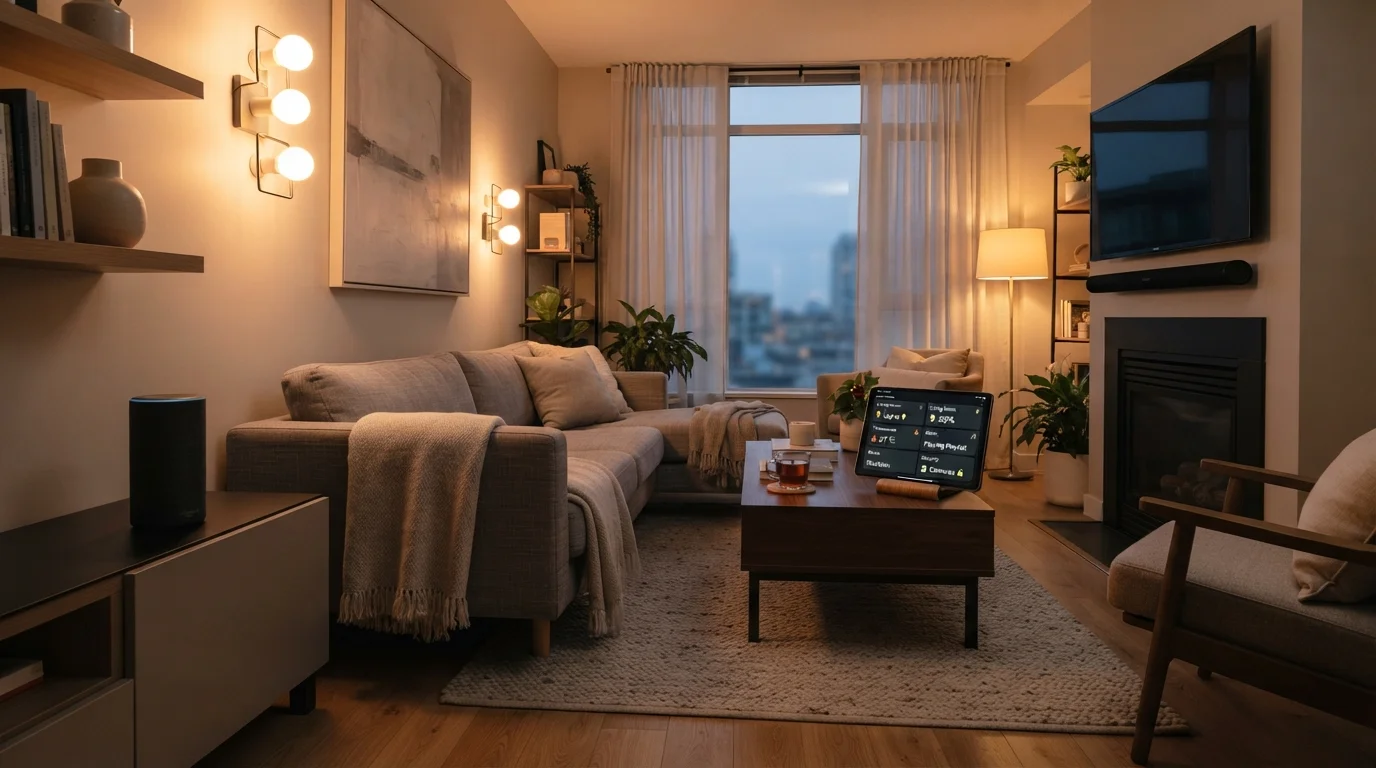
Photo credit: FindersGroove.com | Discover Important Information
In this article
Demystifying smart home tech from the ground up — what devices talk to each other, how they connect, and why it matters for everyday life.
Key Takeaways
- Smart home devices connect via wireless protocols like Wi-Fi, Zigbee, or the Matter standard.
- A hub or router acts as the central coordinator that lets devices talk to each other.
- Automation means devices can act on schedules or triggers without you manually controlling them.
- You don't need a fully wired-up home to start - single-device setups are common entry points.
- Privacy and network security are real considerations worth understanding before you expand.
The Basic Idea: Devices That Talk to Each Other
A smart home is really just a network of devices that can send and receive information - and act on it. A standard light switch completes a circuit when you flip it. A smart switch does that and registers the action, reports it to a system, and can be triggered remotely or by a schedule.
The "smart" part comes from three capabilities working together: connectivity (the device can communicate), control (you or an automated rule can send it instructions), and data (the device can report on its own state). Take those away and you have a regular appliance. Add them, and it becomes part of a coordinated system.
For a deeper look at the terminology you'll encounter as you explore further, the Smart Home Glossary covers everything from hubs to geofencing in plain language.
~300M
Smart home devices shipped globally per year
Industry analysts tracking IoT device shipments consistently report hundreds of millions of connected home devices entering the market annually.
63%
US adults aware of smart home products
Pew Research Center surveys have consistently shown majority consumer awareness of smart home devices among American adults.
Matter
Cross-brand standard now supported by major platforms
The Connectivity Standards Alliance's Matter protocol, ratified in 2022, is now supported by major smart home platforms including Apple, Google, and Amazon.
How Devices Actually Communicate
Most confusion about smart home tech traces back to wireless protocols - the invisible languages devices use to talk. Understanding the main ones removes a lot of mystery:
- Wi-Fi: The most familiar. Devices connect directly to your router. Simple to set up, but dozens of devices can strain a crowded network. Your router's settings directly affect how reliably these devices perform.
- Zigbee and Z-Wave: Low-power mesh protocols. Devices relay signals through each other, extending range. They typically require a hub but consume very little power - ideal for sensors and smart locks.
- Bluetooth: Short-range and battery-friendly. Common in smart speakers and wearables, less useful for whole-home automation.
- Matter: A newer, cross-brand standard built for local communication. It reduces reliance on manufacturer cloud servers, meaning your devices can work even when the internet is down.
Most households end up using a mix of these without realizing it. The practical question is whether your chosen devices can coexist without requiring four separate apps.
Separate Your Smart Devices on the Network
Most modern routers let you create a separate guest network segment. Putting smart home devices on their own network segment isolates them from your primary computers and phones - a practical security measure that limits exposure if a device has a vulnerability. It takes about five minutes in your router's admin panel and meaningfully reduces risk.
Automation: Where Smart Homes Actually Earn Their Name
Remote control is useful. Automation is transformative. When a device can respond to a trigger - a time, a location, a sensor reading, or another device's action - you stop managing your home manually and your environment starts adapting to you.
Common automation patterns include:
- Time-based: Lights dim at 10 PM. The thermostat drops overnight and recovers by 6 AM.
- Location-based (geofencing): Your home detects when your phone leaves a defined area and adjusts accordingly - turning off lights, locking doors, or pausing the thermostat.
- Sensor-triggered: A motion sensor activates a hallway light. A leak detector sends an alert. A door sensor disarms a routine.
- Device-chained: Saying "good night" to a voice assistant triggers a sequence - lights off, locks engaged, thermostat adjusted.
The key is that these actions run without your input once set up. That's what distinguishes smart home automation from simply using an app to control a gadget remotely.
Starting Small and Expanding Without Regret
The most common beginner mistake is over-investing upfront in a single ecosystem before understanding how you actually want to live with the technology. A more practical approach: pick one friction point in your daily routine and solve it with one or two devices.
A smart bulb in a living room lamp, a plug-in smart outlet for a coffee maker, or a video doorbell - these are low-stakes entry points that teach you how setup, apps, and reliability actually feel in your home.
Once you've got a feel for that, expanding is mostly additive. See our guide to setting up a smart home hub for a plain-language walkthrough of connecting devices into a more coordinated system.
And if you've heard that smart homes are too complicated, too expensive, or too locked into tech-expert territory, common smart home myths are worth examining before you write the idea off entirely.
Local vs. Cloud Processing: A Key Distinction
Some smart home devices process commands locally on a hub inside your home; others relay every action through a manufacturer's cloud server. Cloud-dependent devices may stop working if the company discontinues support or if your internet connection drops. When evaluating devices, it's worth checking whether local control is available - the Matter standard is partly a response to this concern.
Frequently Asked Questions

Author
Tech & Gadgets Editorial Team
Tech & Gadgets Editorial Team is the collective byline for our editorial team and contributor network. Articles published under this byline or an editorial pen name are researched, written, and reviewed according to our editorial standards for clarity, consistency, and independence before publication.
View all articles →