
Smart Speakers vs. Smart Displays: Choosing the Right Voice Hub
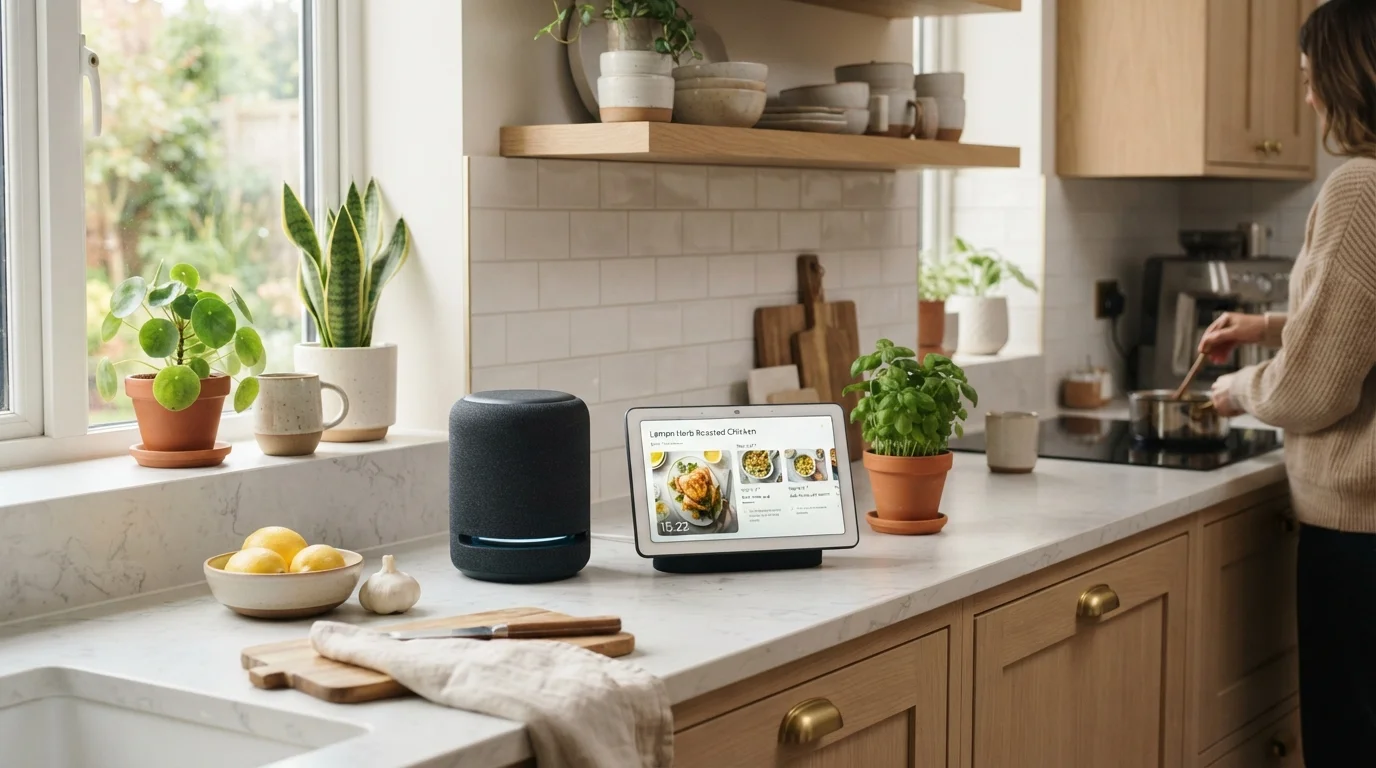
Photo credit: FindersGroove.com | Discover Important Information
In this article
Audio-only or screen included? Here's how smart speakers and smart displays differ in daily use, and which setup suits different households.
Key Takeaways
- Smart speakers handle voice control, music, and queries well - at a lower cost and smaller footprint.
- Smart displays add a touchscreen for visual feedback, video calls, and media - with a higher price and larger size.
- Both device types tie closely to specific voice assistant ecosystems, which should factor into your choice.
- Privacy considerations differ slightly: smart displays have cameras that smart speakers typically lack.
- Room placement matters - displays work best in kitchens or living rooms; speakers fit almost anywhere.
What Actually Separates These Two Devices
At their core, smart speakers and smart displays run the same voice assistants and connect to the same smart home ecosystems. The difference is output. A smart speaker responds with audio; a smart display adds a touchscreen that can show timers, weather forecasts, security camera feeds, recipe steps, or a video call. That single distinction ripples into real differences in cost, size, placement, and daily usefulness.
If you're new to connected home devices, it helps to understand what the underlying technology is doing before choosing a form factor. Smart home technology explained covers how devices communicate and why ecosystem compatibility matters - worth a read before committing to either category.
| Criterion | Smart Speaker | Smart Display |
|---|---|---|
| Output type | Audio only | Audio + touchscreen |
| Typical footprint | Small; fits most surfaces | Medium to large; needs counter space |
| Camera included | No | Yes (most models) |
| Video calls | Voice-only calls | Full video calling |
| Recipe / visual guidance | Audio steps only | Step-by-step on screen |
| Smart home dashboard | Voice feedback only | Visual device status panel |
| Price range (general) | Lower | Higher |
| Setup complexity | Minimal | Slightly more involved |
How Each Device Performs in Daily Life
Smart speakers shine in audio-heavy routines: morning news briefings, music playback, quick unit conversions, timers, and triggering lights or thermostats by voice. Their compact size means they fit on a nightstand, bookshelf, or bathroom ledge without dominating the space. Response latency is typically low, and setup is straightforward - plug in, connect to Wi-Fi, link your assistant account.
Smart displays earn their keep in rooms where you're frequently doing something with your hands. The kitchen is the most common fit: a display can show a recipe video, set multiple named timers visually, and let you check who's at the front door via a doorbell camera feed - all without picking up your phone. They also double as ambient photo frames or clock displays when idle, which some households genuinely appreciate.
35%
US adults own a smart speaker
According to Pew Research Center survey data, roughly a third of U.S. adults reported owning a smart speaker, making them one of the most widely adopted smart home devices.
~2x
Typical cost premium for smart displays
Smart displays generally cost roughly twice as much as comparable smart speakers in the same product lineup, based on broadly observed retail pricing patterns.
The trade-off is real estate and price. Smart displays are larger, cost noticeably more, and introduce a camera - something worth thinking through carefully. Before you buy a smart display walks through privacy, compatibility, and setup questions worth asking before bringing one home.
Ecosystem Fit and Voice Assistant Compatibility
Both device types are deeply tied to their respective voice assistant platforms. A device running one assistant won't natively control smart home devices optimized for a competing ecosystem without workarounds. Before choosing a speaker or display, map out what smart home devices you already own - or plan to buy - and check compatibility.
The good news is that the Matter standard (a cross-brand smart home protocol introduced in 2022) is gradually reducing hard ecosystem lock-in for smart home control. But video features, music services, and shopping integrations remain platform-specific. Voice assistants compared breaks down how the major platforms differ in smart home context - a useful companion read.
Once you've picked your ecosystem, setup is generally approachable for beginners. Setting up a smart home hub without calling for help provides a plain-language walkthrough if you're connecting your first device.
A Note on Camera Privacy
Smart displays with cameras introduce a consideration that audio-only speakers don't: a lens that can capture video in your home. Most devices include a physical camera shutter or mute button to disable this hardware. It's worth reviewing the privacy settings and camera controls of any specific device before setup, and placing displays thoughtfully - away from bedrooms or private spaces is a common recommendation.
Which Setup Makes Sense for Your Home
For most people starting out, a smart speaker is the lower-risk entry point. It covers the tasks that voice hubs genuinely improve - music control, quick queries, smart home triggers - without the added cost or camera privacy consideration of a display. A single speaker in a frequently used room is enough to evaluate whether voice control fits your habits.
If you find yourself wishing you could see a timer countdown, follow a recipe, or take a video call without holding your phone, that's a meaningful signal that a display would justify its cost. Consider placement carefully: a display placed where you'll glance at it regularly gets used; one stuck in a low-traffic corner gets ignored.
It's also worth considering how this device fits alongside your existing screen ecosystem. Streaming sticks, set-top boxes, and smart TVs covers how other connected screen devices compare, which can help you avoid duplicating functionality you already have. For a broader look at countertop and everyday gadgets, the Everyday Devices hub is a solid starting point.

Author
Tech & Gadgets Editorial Team
Tech & Gadgets Editorial Team is the collective byline for our editorial team and contributor network. Articles published under this byline or an editorial pen name are researched, written, and reviewed according to our editorial standards for clarity, consistency, and independence before publication.
View all articles →