
The Real Reason Your Phone Battery Degrades Faster Than It Should
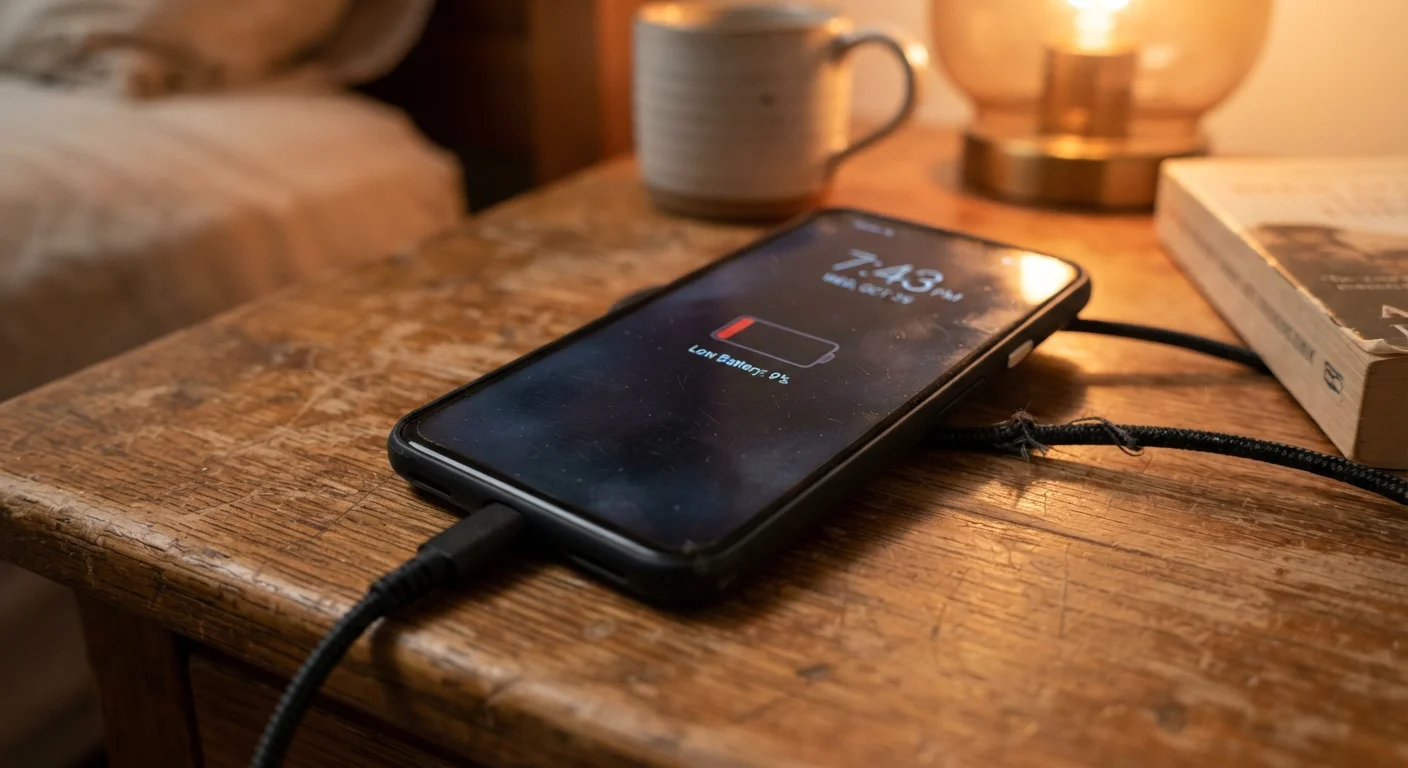
Photo credit: FindersGroove.com | Discover Important Information
In this article
Heat, charge cycles, and charging habits all quietly erode battery capacity. Here's the science behind degradation and what actually slows it down.
Key Takeaways
- Lithium-ion batteries degrade through heat exposure, full charge cycles, and sustained high charge states - not just age.
- Keeping your phone between 20% and 80% charge is one of the most effective ways to slow capacity loss.
- Fast charging and overnight charging both introduce stress that compounds over hundreds of cycles.
- Most degradation is preventable with simple, consistent habits - no special equipment required.
Why Your Battery Isn't Lasting Like It Used To
If your phone barely makes it through the day by its second or third year, you're not imagining things. Lithium-ion batteries - the type in virtually every modern smartphone - have a finite capacity that shrinks with use. But the rate of shrinkage is far from fixed. It depends heavily on how you treat the battery day to day.
Battery capacity is measured as a percentage of its original design capacity. A battery at 80% of original capacity is generally considered degraded enough to affect real-world use. Some phones reach that point in 18 months; others hold up for three or four years. The difference almost always comes down to avoidable habits. Understanding the science briefly helps: lithium ions shuttle between electrodes during each charge cycle, and stress - from heat, from voltage extremes, from rapid charging - degrades the electrode materials over time. Less electrode integrity means fewer ions can move, which means less usable energy stored.
This article focuses on the mistakes that accelerate that process, and what you can actually do differently. For a broader look at how devices age across their entire life, see the full lifecycle of a consumer device.
The Mistakes That Quietly Kill Battery Capacity
These aren't fringe edge cases - they're behaviors most phone users engage in daily without realizing the cumulative cost.
Leaving your phone plugged in at 100% for hours - particularly overnight.
Why it happens: It feels intuitive to start the day with a full battery, and charging overnight is simply convenient. Most people assume modern phones stop drawing power once full.
Regularly draining the battery to 0% before charging.
Why it happens: Older nickel-cadmium batteries benefited from full discharge cycles, and that advice stuck around long after lithium-ion became standard.
Using fast charging as your default, every single day.
Why it happens: Fast charging is convenient, and manufacturers promote it as a feature - so it feels like the obvious choice rather than a trade-off.
Exposing your phone to sustained heat: hot cars, direct sunlight, or charging while gaming.
Why it happens: Heat damage is invisible and gradual. There's no immediate feedback that something is wrong, so the connection between the behavior and battery decline is easy to miss.
Using uncertified or mismatched chargers and cables.
Why it happens: Third-party cables are cheaper and often physically identical to certified ones. The electrical differences aren't visible.
~500
Typical full charge cycles before noticeable capacity loss
Most lithium-ion batteries are rated for around 300-500 full charge cycles to 80% capacity retention, though real-world results vary significantly based on usage habits.
~35°C
Temperature threshold where battery stress accelerates
Battery researchers broadly cite sustained exposure above approximately 35°C (95°F) as a point at which lithium-ion degradation measurably accelerates.
What Actually Helps (and What Doesn't)
A few habits genuinely move the needle. Enabling your phone's built-in charge limit feature - available on most modern Android phones and iPhones - automatically stops charging at 80%, eliminating the overnight overcharge problem without any manual effort. If your phone lacks this feature, plugging in before bed and unplugging when you wake up is a reasonable workaround.
Keeping your phone out of hot environments is arguably the highest-impact change you can make. Don't leave it on a sun-facing car dashboard, don't charge it under a pillow, and be mindful when using it during processor-intensive tasks like gaming or video recording in warm weather - all of those combine heat sources.
Don't Ignore Swollen or Rapidly Draining Batteries
A battery that drains unusually fast, causes your phone's back to bulge, or makes the device feel excessively hot during normal use may need professional attention. A swollen lithium-ion battery is a safety concern, not just a performance issue. Have it inspected and replaced by a qualified technician rather than continuing to use the device.
For context on what to look for in supplemental charging gear, the guide to portable charger specs explains how wattage and capacity claims translate to real-world performance. And if you want to build a broader set of device-care routines, habits that make a measurable difference covers the evidence-backed practices worth keeping.

Author
Tech & Gadgets Editorial Team
Tech & Gadgets Editorial Team is the collective byline for our editorial team and contributor network. Articles published under this byline or an editorial pen name are researched, written, and reviewed according to our editorial standards for clarity, consistency, and independence before publication.
View all articles →