
Spreadsheet vs. Budgeting App: Which Tracking Method Suits You?
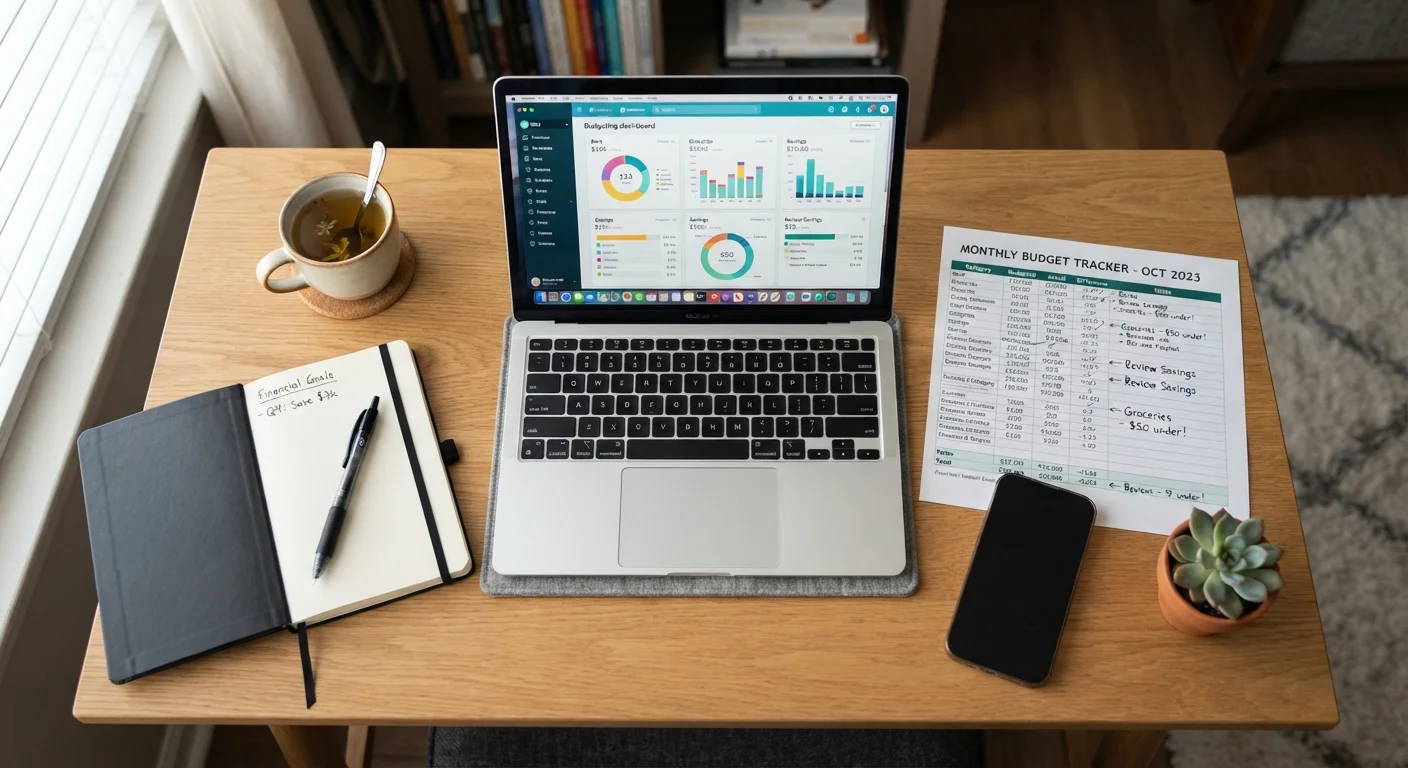
Photo credit: FindersGroove.com | Discover Important Information
In this article
Manual spreadsheets and automated apps each have real trade-offs. This comparison helps you choose based on your habits, not just convenience.
Key Takeaways
- Spreadsheets offer full customization but require consistent manual input to stay accurate.
- Budgeting apps automate data entry but may encourage passive monitoring over active decision-making.
- Your tracking consistency matters more than which tool you pick.
- Either method works - the best one is the one you'll actually use regularly.
- Consider your comfort with technology, privacy preferences, and how hands-on you want to be.
Why Your Tracking Method Actually Matters
Budgeting isn't just about knowing where your money goes - it's about building habits that help you make better financial decisions over time. The tool you use to track spending shapes those habits more than most people realize. A method that feels like a chore gets abandoned. One that fits your natural routine gets used, and used consistently.
This comparison breaks down the real trade-offs between spreadsheets and budgeting apps so you can choose based on how you actually think and behave - not just what seems easiest on day one. For a deeper look at structuring your budget once you have a tracking system in place, see our guide to building your first budget.
| Spreadsheet | Budgeting App | |
|---|---|---|
| Setup effort | High - build from scratch | Low - guided onboarding |
| Customization | Fully customizable | Limited to app structure |
| Data entry | Manual - time-intensive | Automated via bank sync |
| Spending awareness | High - active engagement | Varies - risk of passivity |
| Privacy | No third-party data sharing | Requires account linking |
| Cost | Free (most platforms) | Free to paid tiers available |
| Best consistency for | Self-motivated users | Those needing automation |
The Case for Spreadsheets
A spreadsheet - whether built in Google Sheets, Excel, or another platform - puts you entirely in charge. You decide the categories, the layout, and the formulas. That flexibility is the core advantage: your budget can reflect your actual life rather than a preset template someone else designed.
The manual entry process is also a feature, not just a drawback. Research in behavioral finance suggests that actively recording transactions increases spending awareness more than passive automation does. When you type in every purchase, you're forced to confront it. This friction builds financial mindfulness. See how over-reliance on apps can sometimes undercut that awareness.
Spreadsheets also carry no privacy risk from third-party data sharing - your bank credentials stay with your bank. The main cost is time and discipline. If a week goes by without updates, accuracy erodes quickly.
Start Simple, Then Customize
If you're new to spreadsheet budgeting, begin with a basic template - most spreadsheet platforms offer free budget templates you can adapt. Focus on just three or four spending categories at first. Adding complexity gradually keeps the habit sustainable and prevents early overwhelm.
The Case for Budgeting Apps
Budgeting apps solve the consistency problem by connecting directly to your financial accounts and categorizing transactions automatically. For someone who finds manual entry tedious or frequently forgets to log purchases, this automation can be the difference between tracking and not tracking at all.
Most apps also include visual dashboards, spending trend graphs, and real-time alerts - features that make it easier to spot patterns without building anything yourself. For beginners especially, this low-friction entry point can be genuinely valuable.
The trade-offs are worth understanding. Linking financial accounts to third-party apps involves sharing sensitive data, and users should review any app's privacy and security practices before connecting accounts. There's also a behavioral risk: apps can lull you into passive monitoring - checking a dashboard without actually reflecting on what the numbers mean. A budget that reflects your real priorities requires active thought, not just automated categorization.
Automation Isn't the Same as Awareness
A budgeting app that categorizes your spending automatically can create a false sense of financial control. Checking a dashboard weekly is not the same as actively deciding where your money should go. Build in a regular review habit - not just a glance at the totals, but a real assessment of whether your spending matched your intentions.
How to Choose Based on Your Habits
Before picking a tool, answer these questions honestly:
- Do you enjoy customizing systems? If yes, a spreadsheet will likely feel rewarding rather than burdensome.
- Have you tried budgeting before and quit due to inconsistency? An app's automation may be what keeps you engaged.
- Are you comfortable linking bank accounts to third-party platforms? If not, a spreadsheet keeps your data local.
- Do you want to understand your spending deeply, or just stay within limits? Spreadsheets tend to build deeper understanding; apps excel at boundary-setting.
You might also consider your budgeting method alongside your tracking tool. Different budgeting frameworks pair differently with each tool - zero-based budgeting, for example, often works well in a spreadsheet where every dollar can be manually assigned.
There's no universally correct answer. A hybrid approach - using an app for day-to-day tracking and a spreadsheet for monthly review - works well for many people. What matters is consistency. The best budgeting tool is the one you'll open next week, not just today.
This article is for general informational and educational purposes only and does not constitute personalized financial advice. For guidance specific to your financial situation, consider consulting a qualified financial professional.

Author
Money & Finance Editorial Team
Money & Finance Editorial Team is the collective byline for our editorial team and contributor network. Articles published under this byline or an editorial pen name are researched, written, and reviewed according to our editorial standards for clarity, consistency, and independence before publication.
View all articles →